
Download Free Music Organizer – music organizer, file management, media library, music sorting, audio files
Overview
Free Music Organizer is a streamlined mobile application developed for Android users seeking efficient ways to manage their digital media collections. Designed with simplicity and functionality in mind, the app focuses on organizing music files and other multimedia content such as images, videos, and documents. Its primary purpose is to help users consolidate and structure their digital libraries without requiring technical expertise. The app is particularly useful for individuals with large music collections who need a quick, reliable way to sort tracks by artist, album, genre, or other metadata.
By automatically detecting existing music folders upon installation, Free Music Organizer eliminates the need for manual folder configuration, significantly reducing setup time. This feature makes it ideal for users who want to declutter their devices and maintain a clean, accessible media library. The app’s utility extends beyond music, supporting various file types and serving as a centralized tool for multimedia management. It is especially beneficial for casual users, students, and professionals who manage multiple media files across different projects or personal interests.
Although the developer did not provide additional background information, the app has been available since 2010, indicating a long-standing presence in the Android ecosystem. This longevity suggests consistent functionality and reliability. Despite its age, the app continues to serve a niche audience that values straightforward file organization and built-in playback capabilities. In the broader context of mobile productivity tools, Free Music Organizer fills a specific gap by combining file sorting, media playback, and intuitive navigation in a lightweight package.
Key Features & Functionality
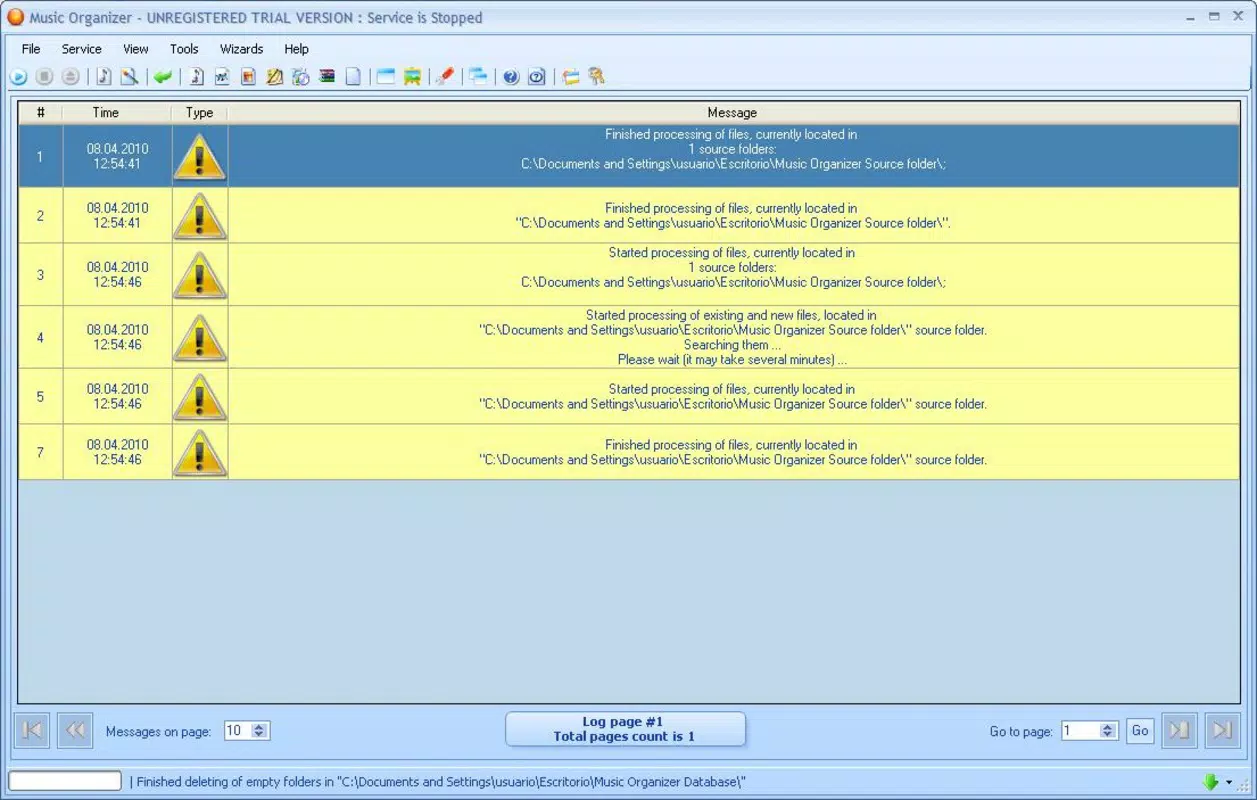
Free Music Organizer delivers a focused set of tools designed to enhance the user’s ability to manage digital media efficiently. The app’s standout capability is its automatic folder detection, which scans the device upon installation to locate existing music directories. This eliminates the need for users to manually input paths, streamlining the initial setup and ensuring minimal friction during onboarding.
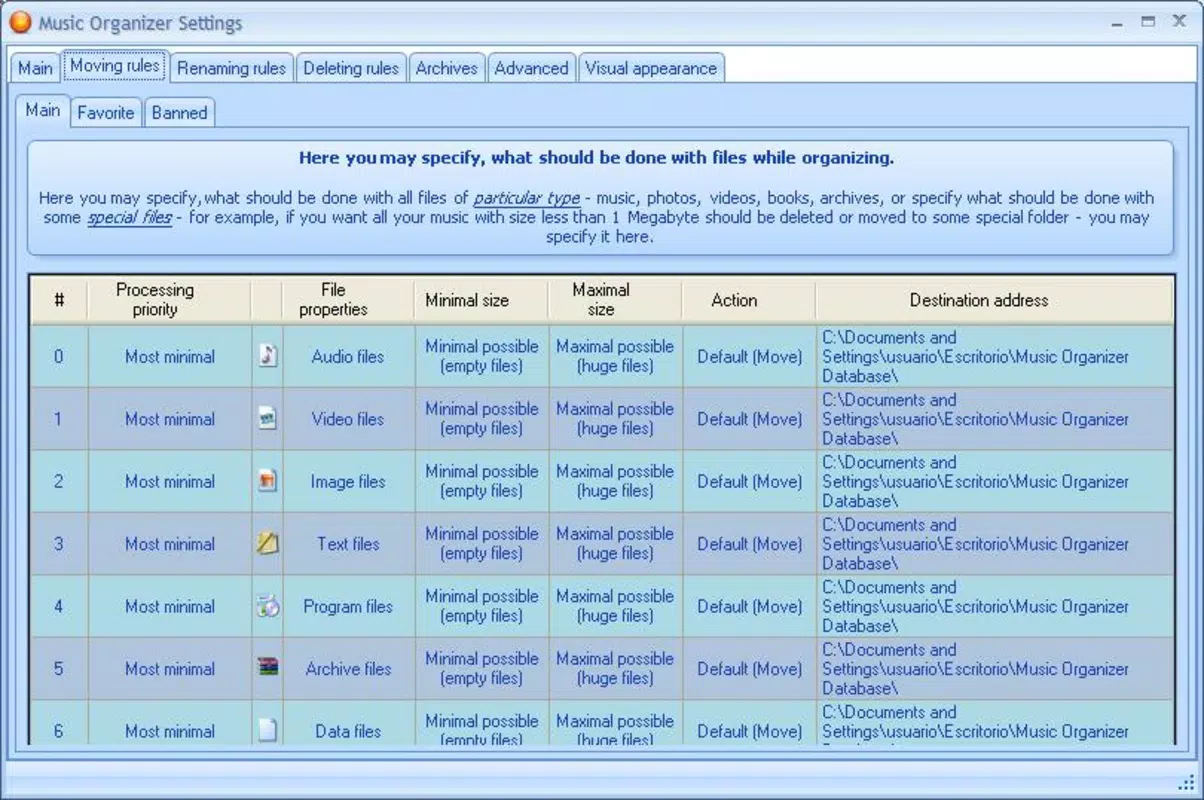
Once detected, users can leverage the app’s quick organization feature to categorize music tracks and other media files based on customizable criteria. This includes sorting by artist, album, genre, or file name. The ability to reorganize files in minutes allows users to maintain a structured library without technical overhead. For those managing large collections, this functionality significantly improves accessibility and searchability.
The app also includes a built-in media player, enabling users to play their organized content directly within the application. This integration enhances workflow efficiency by allowing seamless playback after sorting, reducing the need to switch between multiple apps. The support for multiple file types—such as audio, images, videos, and documents—further expands its utility beyond music management.
- Automatic folder detection for music and media files
- Quick organization by artist, album, genre, or file name
- Support for multiple media formats including audio, images, and videos
- Integrated media player for direct playback
- Simple interface for users of all technical skill levels
Interface, UX & Performance
The user interface of Free Music Organizer is designed with clarity and ease of use as core principles. It features a clean layout with intuitive navigation, allowing users to access key functions without confusion. The visual style is minimalistic, focusing on functionality rather than decorative elements, which contributes to a smooth and distraction-free experience.
Navigation flows logically from folder detection to organization and playback, with clear labels and straightforward menus. The app’s design supports users of all experience levels, minimizing the learning curve typically associated with file management tools. Although the developer did not list formal performance metrics, the app’s lightweight size of 15.6 MB suggests optimized resource usage, which may contribute to stable performance across a range of Android devices.
Responsiveness is expected to be consistent, given the app’s focus on core file management tasks. The app operates without requiring excessive memory or processing power, making it suitable for both older and mid-range Android devices. Stability is likely maintained through years of updates, though specific details on crash rates or update frequency were not disclosed. Users can expect reliable operation for basic file sorting and playback tasks.
Platform Compatibility & Technical Requirements
Free Music Organizer is available exclusively on the Android platform. It supports Android devices running the operating system version specified in the app’s metadata. The application has a file size of 15.6 MB, making it a lightweight download ideal for users with limited storage space or slower internet connections.
The developer did not specify minimum OS requirements or compatibility details beyond the platform. As such, users should ensure their device meets general Android standards for app installation. The app is free to download and install, with no in-app purchases or subscription fees reported. While the release date is listed as 2010-04-27, compatibility with modern Android versions has not been explicitly confirmed by the developer.
Pros and Cons
Pros
- Lightweight size at 15.6 MB, ideal for devices with limited storage
- Automatic detection of music folders reduces setup time
- Supports multiple media file types, including audio, images, and videos
- Integrated media player allows seamless playback after organization
- User-friendly interface suitable for beginners and non-technical users
Cons
- Developer did not provide detailed system requirements or compatibility information
- No information on update frequency or long-term maintenance
- Specific performance metrics or stability statistics were not disclosed
- Old release date raises questions about modern Android compatibility
- No mention of cloud sync or backup features for media files
FAQ
Is Free Music Organizer safe to download and install?
The app is available for free on the Android platform. While no security warnings were reported, users should ensure they download it from trusted sources to maintain device safety.
Can I use Free Music Organizer on iOS devices?
Currently, the app is only available for Android. There is no official iOS version or indication of future support.
Does Free Music Organizer require internet access?
Based on its core functionality, the app operates offline. Internet access is not required for file organization or playback.
How often is Free Music Organizer updated?
The developer did not disclose update frequency. The last known release date is 2010-04-27, which may indicate limited or no recent updates.
Can I organize files other than music with this app?
Yes, the app supports the management of various media files, including images, videos, and documents, in addition to audio files.
Final Thoughts + CTA
Free Music Organizer remains a practical tool for Android users looking to streamline their media libraries without complexity. Its ability to automatically detect music folders, organize files quickly, and play content within the app makes it a solid choice for those managing diverse digital collections. While the app’s age raises questions about compatibility with newer Android versions, its lightweight design and straightforward functionality continue to offer value.
It is especially beneficial for users who prioritize simplicity, offline functionality, and a no-frills approach to file management. For individuals with large music libraries or mixed media files, the app provides a reliable, secure solution without requiring additional tools. The lack of in-app purchases and the free price point further enhance its appeal.
Despite missing modern features like cloud integration or frequent updates, Free Music Organizer stands out as a dependable utility for basic media organization. If you’re seeking a simple, effective way to manage your audio files and other media on Android, this app delivers on its core promise.
Download Free Music Organizer now


